
Innovation
Trust Administration Video: Keep Beneficiaries Informed
Use personalized video to simplify trust administration updates for beneficiaries. Reduce confusion, build confidence, and cut support calls by 50%.
Author Name
Author Title
Published :
Last updated: April 2026
Beneficiaries Don't Understand Their Trust Documents
A trust officer sends a 12-page annual accounting to a beneficiary. The beneficiary reads the cover letter, gets confused by the asset allocation tables, and calls your office with questions that take 30 minutes to answer. Multiply that by 200 trusts and your team spends half the week on phone calls that could have been prevented.
The problem isn't the beneficiary's financial literacy. The problem is the format. Dense documents with legal terminology don't communicate — they confuse. Personalized video solves this by translating complex trust information into a visual, easy-to-follow walkthrough tailored to each beneficiary's specific situation.
Why Trust Communication Is Broken
Trust administration generates some of the most complex client-facing documents in financial services. Annual accountings, distribution schedules, tax implications, and investment performance all need explanation. Most firms rely on letters, PDFs, or brief phone calls.
The result: 62% of beneficiaries report feeling confused about their trust's performance, according to a 2024 Cerulli Associates study. Confused beneficiaries call more, complain more, and are more likely to move their trust to a competitor. Clear communication is a retention strategy.
How Personalized Video Transforms Trust Updates
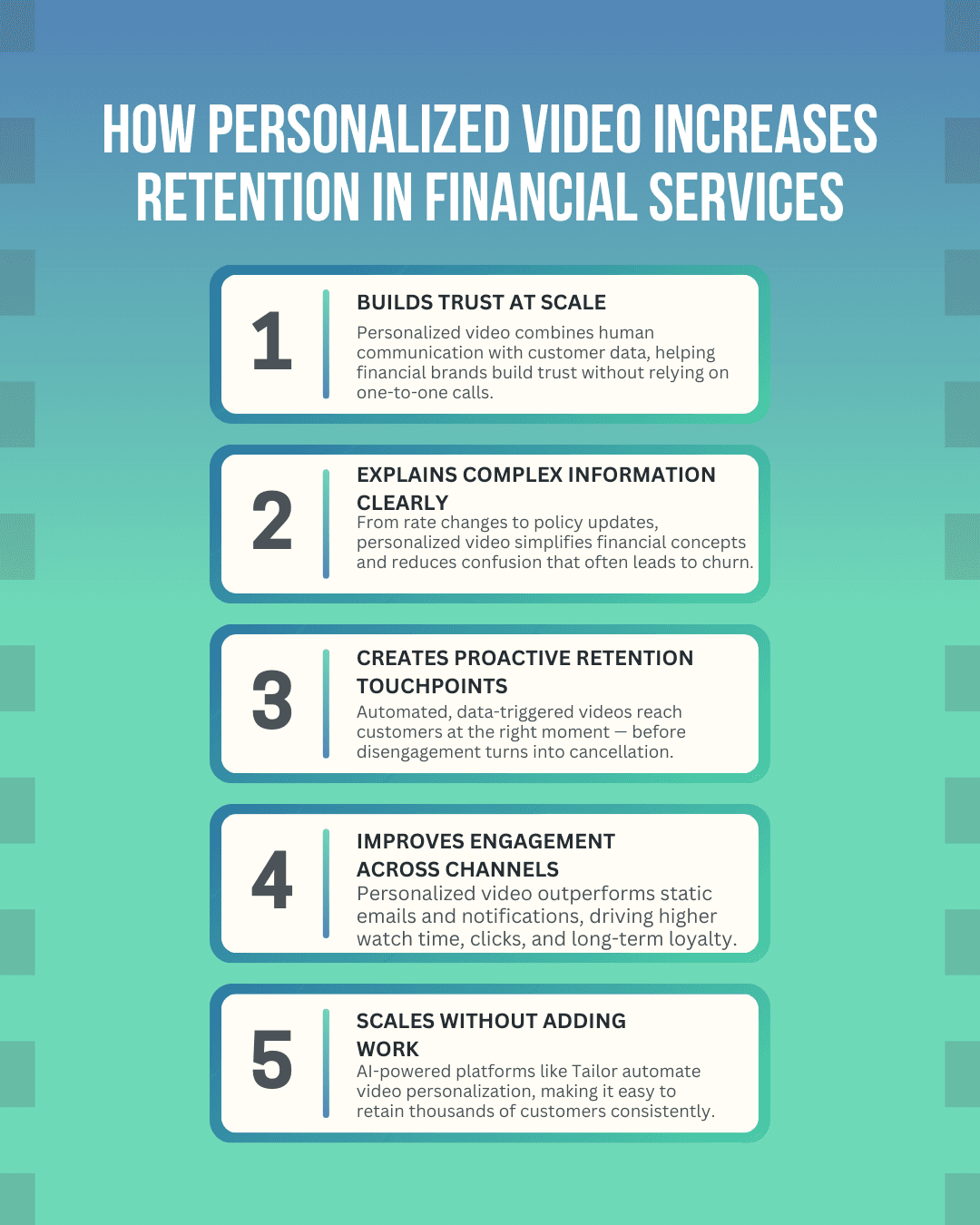
A personalized trust administration video puts the beneficiary's name, trust value, distribution schedule, and investment performance on screen while a trust officer walks them through what it means. It's the equivalent of a private meeting — without requiring anyone to schedule one.
Firms using personalized video for estate and trust communications report a 45-55% reduction in inbound support calls. Beneficiaries watch the video, understand their situation, and only call when they have substantive questions rather than clarification requests.
What to Include in a Trust Administration Video
Current trust value and change from last period. Start with the number the beneficiary cares about most. Show the dollar amount, the percentage change, and a one-sentence explanation of what drove the performance.
Distribution schedule overview. If the beneficiary receives regular distributions, show the next payment date and amount. If distributions are discretionary, briefly explain the process for requesting one.
Investment allocation summary. Show the pie chart or allocation breakdown visually. Explain any changes the trust officer made and why. Beneficiaries don't need a lecture on modern portfolio theory — they need to know their money is being managed thoughtfully.
Implementation for Trust Departments
Record a quarterly template. Your lead trust officer films a 3-minute template covering the standard update structure. Leave data insertion points for each beneficiary's specific numbers.
Connect your trust accounting system. Map fields like trust value, distributions, asset allocation percentages, and beneficiary name. Each video renders automatically with the correct data for each trust.
Send on a consistent schedule. Quarterly videos sent within one week of the accounting close create a rhythm that beneficiaries come to expect and appreciate. Consistency builds confidence in your administration.
Keep Reading
Family Office Personalized Video — Serve ultra-high-net-worth families with personalized video reporting and communication.
Donor-Advised Fund Personalized Video — Keep donors engaged with personalized updates on their charitable giving impact.
Frequently Asked Questions
Is personalized video secure enough for trust information?
Yes. Leading personalized video platforms use bank-grade encryption for data in transit and at rest. Videos can be protected with unique access links that expire after a set period, ensuring only the intended beneficiary can view their trust information.
How often should trust departments send personalized video updates?
Quarterly is the standard cadence for most trust departments. This aligns with your accounting cycle and gives beneficiaries regular touchpoints. For high-value or complex trusts, monthly updates reduce inbound questions even further.
Can personalized video replace the annual trust accounting document?
Personalized video supplements but doesn't replace the formal accounting document, which is a legal requirement. The video explains the document in plain language so beneficiaries understand what they're receiving. Think of it as a guided tour of the paperwork.
What ROI can trust departments expect from personalized video?
Trust departments typically see a 45-55% reduction in routine support calls within the first two quarters. At an average cost of $25-40 per inbound call, a department managing 500 trusts can save $50,000-100,000 annually in staff time alone.
Trust administration video turns confusing documents into clear, personalized explanations that beneficiaries actually understand. The result is fewer calls, happier clients, and stronger retention.
Tailor.Video helps trust departments create personalized beneficiary updates at scale. Connect your trust accounting system, record one template, and deliver clear, data-driven video updates to every beneficiary. Learn more or book a demo.
Related Reads for You
Discover more articles that align with your interests and keep exploring.